
Click to download now, finish the installation quickly, and directly unlock the all-round experience
Screenshots
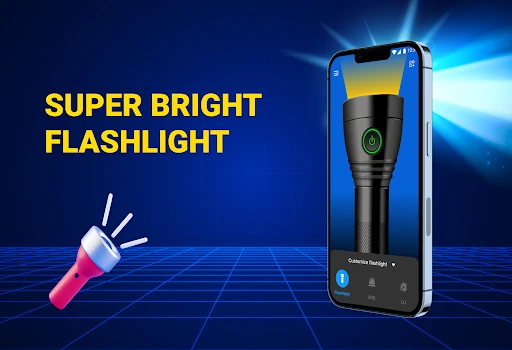

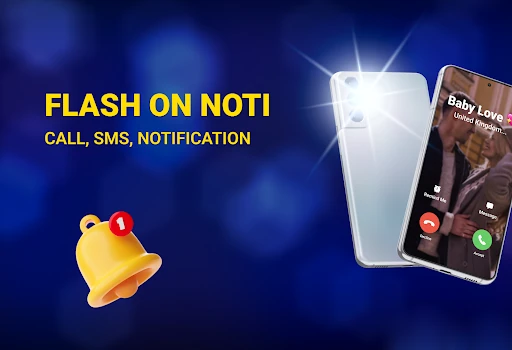
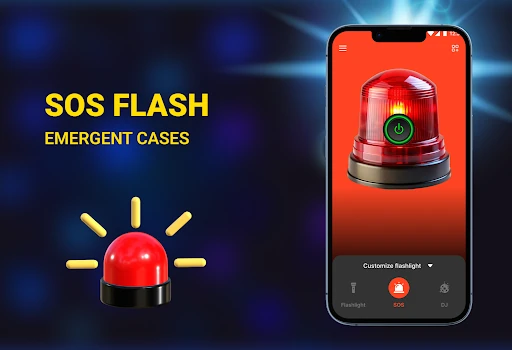
Click to download now, finish the installation quickly, and directly unlock the all-round experience
Flash Alert Pro, LED Text uses your phone’s camera flash to signal incoming calls, messages, and other app notifications. Instead of relying on sound or vibration, it produces visible flashes when an alert arrives. It is suited to silent settings, loud surroundings, meetings, and anyone who benefits from a visual notification cue.
The app can monitor notifications from messaging, email, social, and other installed apps. You can turn flash alerts on or off quickly and adjust how the light behaves, including its pattern and duration. Separate settings can help distinguish different notification types, while scheduling options can prevent flashing during selected quiet periods.
To respond to incoming notifications, Flash Alert Pro needs notification access and the permissions required to use the camera flash. Its usefulness depends on those permissions remaining enabled and on the device supporting the necessary flash behavior. The light can be helpful when the phone is face down or when sounds would be disruptive, but frequent alerts may still affect battery use.
Developed by Techverse LTD, Flash Alert Pro, LED Text is listed in the Tools category and has reached 100,000+ installs. Its current rating is 3.4/5 from 503 reviews. The app is a focused choice for users who want notification flashes rather than another sound-based alert system.